

Textile ERP guide Yarn to roll traceability

Production visibility guide

Roll-level control for knitting and weaving units

Knitting and weaving ERP gives textile teams a controlled workflow for yarn requirement planning, loom or knitting machine output, fabric roll identity, outside processing, quality grading, and dispatch readiness.

The real challenge in fabric manufacturing is not only producing meters or kilograms. It is knowing which yarn became which fabric roll, which machine produced it, where it is waiting, what quality grade it received, and whether it can be dispatched against the buyer commitment.

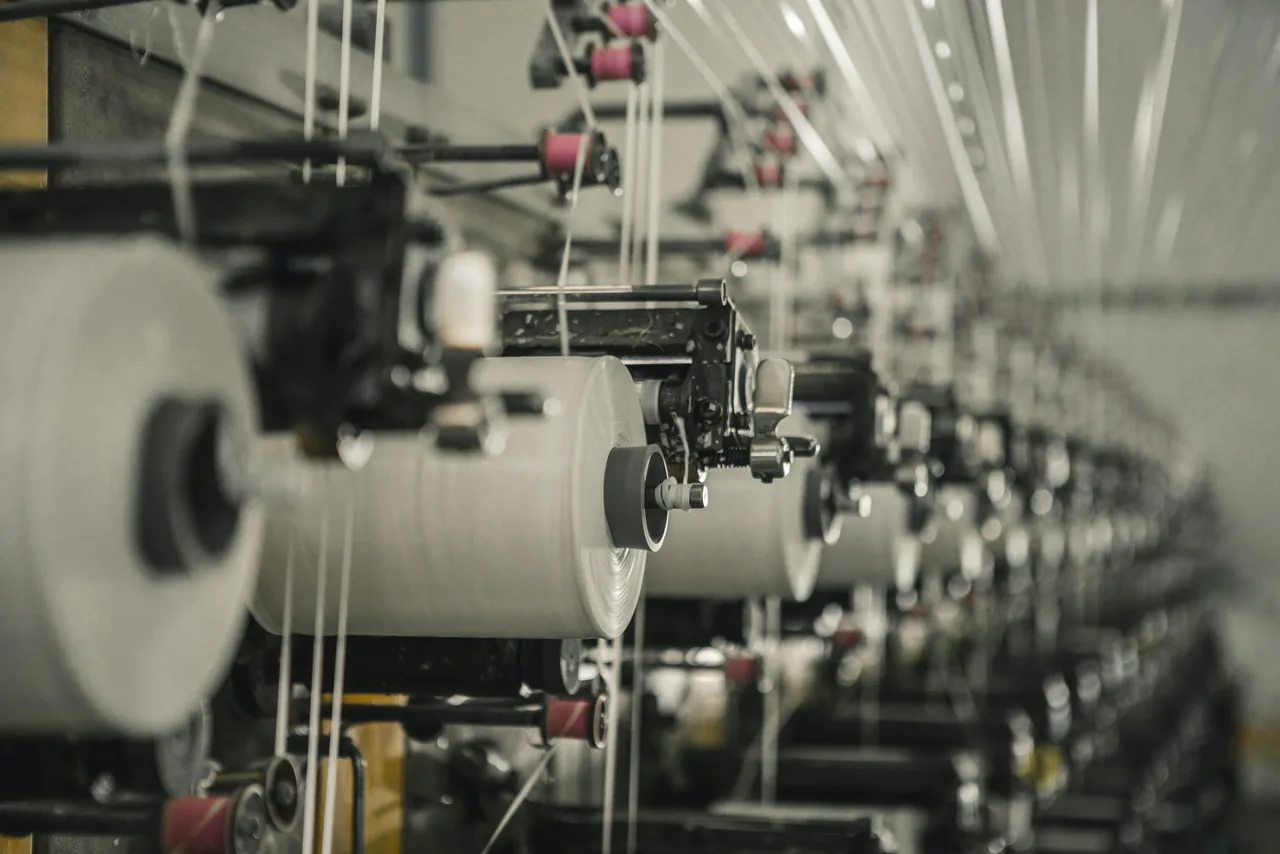
Modern textile production machinery with fabric running through a processing line
YRP Yarn plan
Roll Identity
OEE Machine view

Why it matters

Fabric visibility breaks when roll identity is weak

Knitting and weaving teams often know total production, but lose clarity at roll level. ERP should preserve the production trail from order and yarn issue to machine output, processor location, inspection grade, packing, and billing.

Yarn planning should start from fabric logic

A reliable workflow calculates yarn demand using order quantity, GSM, construction, width, shrinkage, wastage, shade, stock, and open purchase. This keeps yarn purchase, issue, and reservation tied to actual fabric commitments instead of rough estimates.
Machine output needs shift-level truth

Track loom or knitting machine output by order, operator, shift, downtime reason, planned meters, actual meters, and rejected quantity.

Every roll needs a passport

Roll number, weight, length, shade, grade, location, process status, and dispatch linkage should move together.

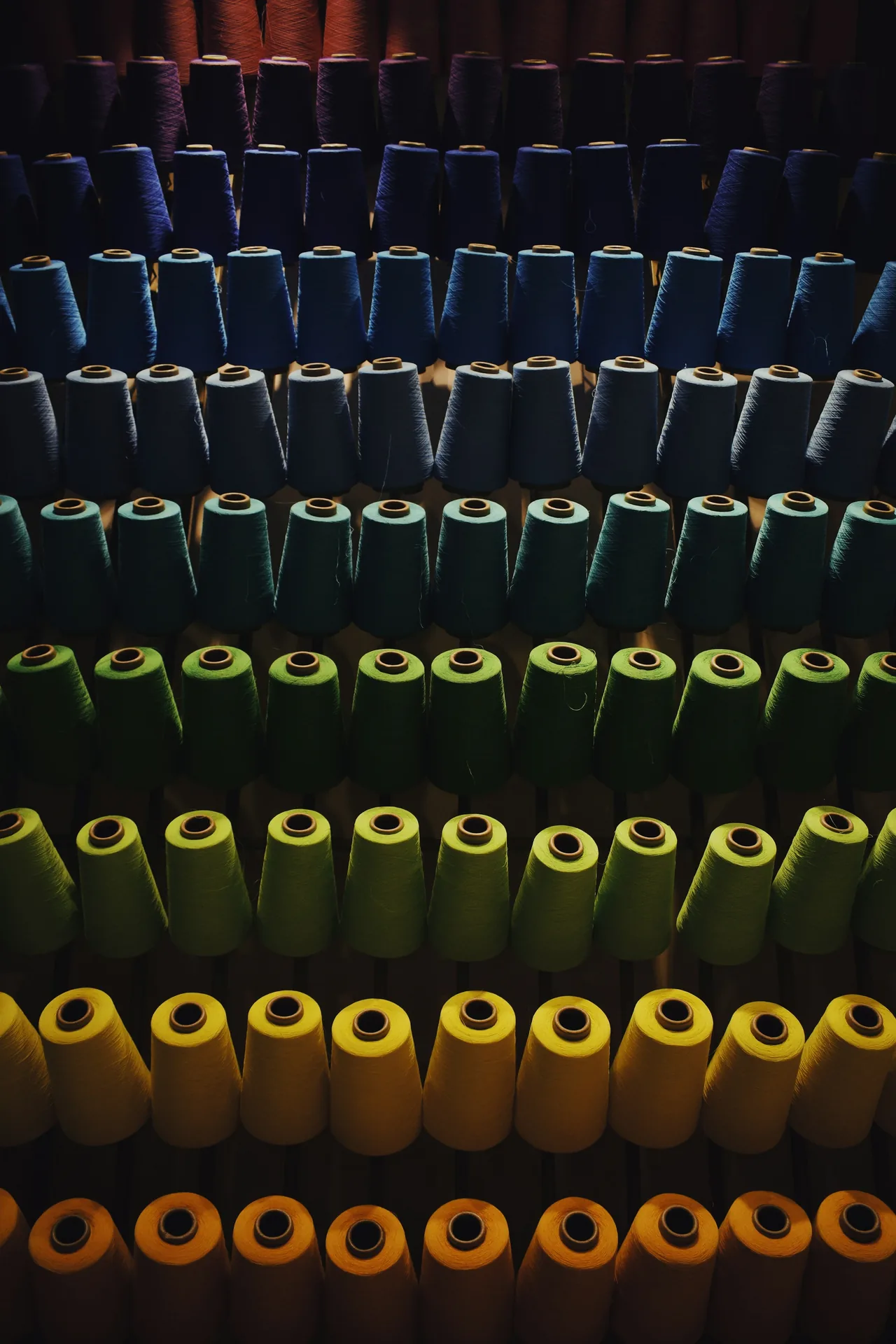
Rows of thread spools used in textile manufacturing

Processor stock is where hidden delays usually sit

When fabric moves to dyeing, washing, finishing, compacting, or outside processing, ERP should show pending quantities by challan, roll, processor, expected return date, shortage, rejection, and next operation.

Operating model

The fabric workflow ERP should make visible

A practical knitting and weaving ERP page should not talk only about modules. It should show how information moves through the factory.

01

Order and fabric master

Buyer, style, construction, width, GSM, shade, shrinkage, and delivery terms.

02

Yarn requirement

Demand planning against stock, open purchase, lot, shade, count, and reservation.

03

Machine plan

Assign loom or knitting machine with shift target, operator, speed, and downtime code.

04

Roll generation

Generate roll number, length, weight, shade, machine source, and job reference.

05

Inspection and processing

Track outside process, inspection points, defects, grade, shortage, and rework.

06

Packing and dispatch

Map roll readiness to packing, invoice, buyer delivery, and cost visibility.

Visual control layer

What managers should see without asking the floor

A good textile ERP view should answer five questions quickly: what is planned, what is running, what is produced, what is stuck, and what is ready to bill. That reduces manual chasing between purchase, production, quality, stores, and dispatch.

Machine

Target vs actual production, downtime, efficiency, and pending order balance.

Roll

Roll-wise location, grade, weight, process status, and buyer allocation.

Yarn

Count-wise stock, lot issue, reserved quantity, and shortage before production.

Cost

Material, process, job work, wastage, rejection, and dispatch-linked costing.

Floor board

Production signals

live
Loom plan completion74%
Rolls pending inspection38
12.8k meters today
9.4% variance watch
Close-up woven fabric texture showing thread structure

Fabric looks simple after finishing, but each roll carries many decisions: yarn lot, construction, machine route, process history, inspection grade, and dispatch promise.

Implementation blueprint

How to phase ERP for knitting and weaving

1. Clean masters before dashboards

Standardize yarn count, fabric construction, GSM, width, shade, machine, process, defect, and grade masters first.

2. Start roll numbering at production

The roll identity should be generated at the machine output point, not recreated at inspection or dispatch.

3. Make outside processing accountable

Each challan should show roll-wise issue, receipt, shortage, rejection, pending status, and process cost.

4. Review by exception, not by chasing

Use pendency, shortage, downtime, rejection, delayed processor return, and dispatch risk views to guide daily review.

Useful KPIs

Metrics worth tracking in a fabric unit

Area
What to monitor
Why it matters
Yarn
Reserved vs available stock, lot-wise issue, shortage risk
Prevents machine stoppage and last-minute purchase pressure.
Machine
Plan vs output, downtime, efficiency, rejection
Shows whether the factory can still meet the delivery date.
Roll
Location, grade, weight, process status, dispatch lock
Stops finished fabric from becoming invisible inventory.
Processor
Pending challans, expected return, shortage, rejection
Keeps outside work measurable and financially accountable.

Next step

Map your yarn-to-roll workflow before ERP selection

The right ERP discussion should start with your actual fabric path: yarn planning, machine reporting, roll identity, processor movement, quality grading, and dispatch readiness.

Request workflow review
Textile machine line with yarn and production equipment